
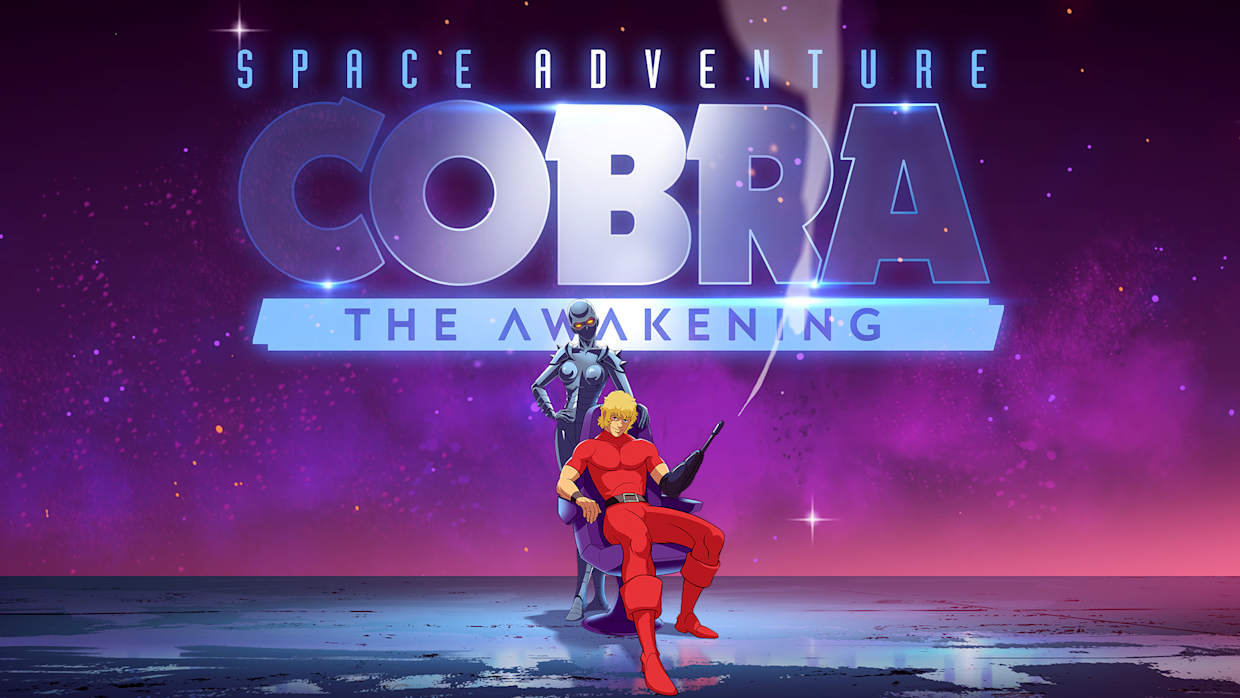
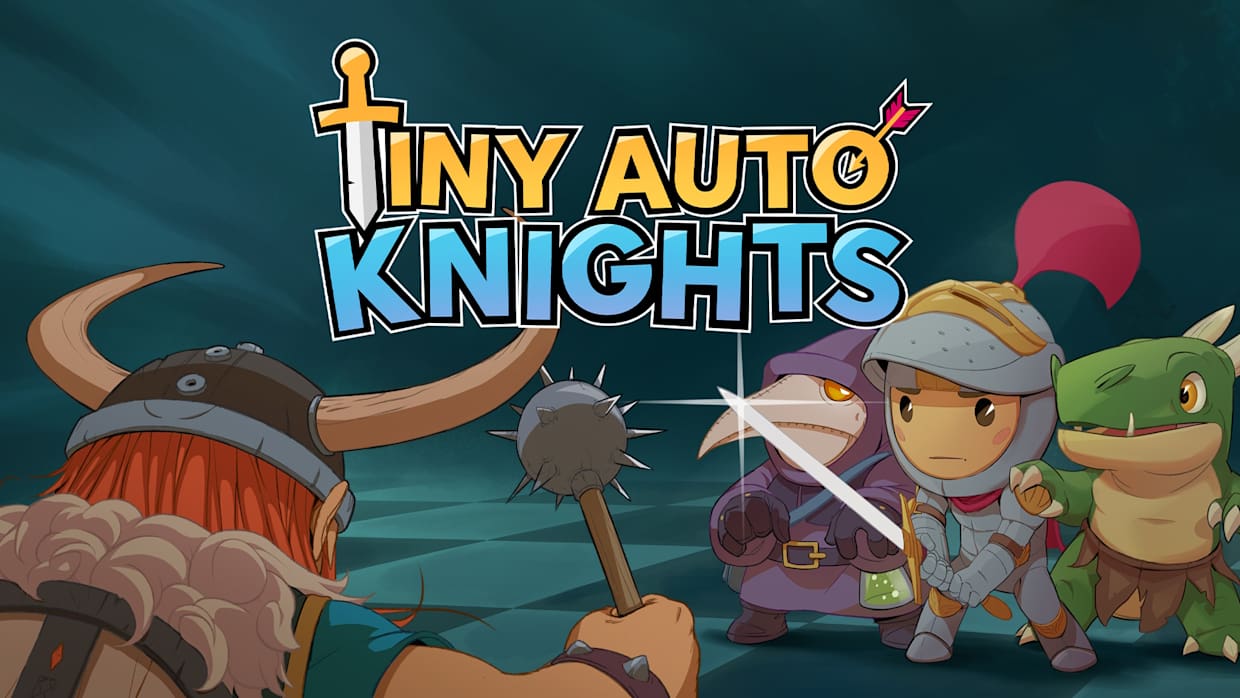
About this game
Version information and cloud drive resources (latest version: 1.0.0)
Game Introduction
1. After downloading and extracting the compressed package, overwrite the Switch folder to the root directory of drive 1. Drag the nsp frontend into drive 5 to install [copying the Switch folder may take some time, please be patient]

2. Go back to the desktop, open the game, select the game, and press the A key to open it

3. The first time you enter the game, the screen will be black and you need to wait about 5 minutes for the progress bar to appear and finish loading.

4. Perfect operation


Comments
0 commentsLog in or sign up to join the discussion
Log in